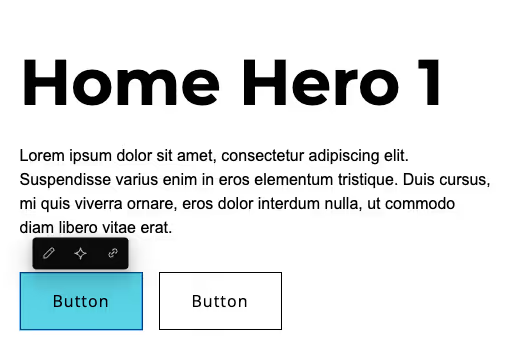
To edit a button or link, click on it once to open the editing menu. Three icons will appear:
- The pencil icon on the left is to edit the text.
- The middle icon is to use the AI assistant for writing your link text.
- The right icon is to choose the type of link and where it will link to.
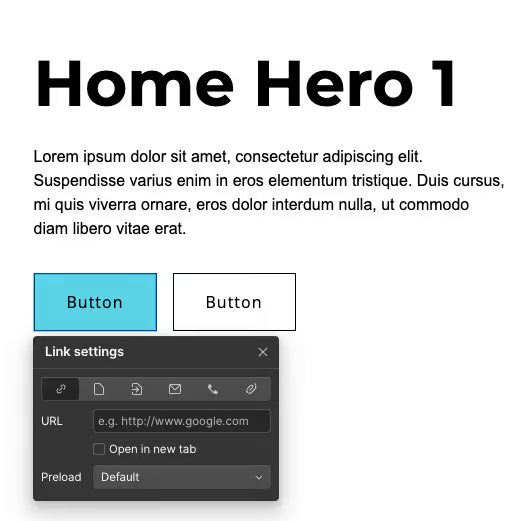
There are six different types of links in Webflow:
- URL: Links to an external website. Check “Open in a new tab” so visitors don’t leave your site.
- Page: Links to another page on your site. Choose from the dropdown list.
- Section: Jumps to a specific section on the same page. Note: the section must have an ID, which can only be added in the Designer.
- Email: Links directly to an email address.
- Phone: Links directly to a phone number and will only work on mobile.
- File: Links to a document that you can upload directly. The max file size is 10mb.
Previous lesson:
Next lesson: